📌 Step 1: Sign in to YouTube
• Go to YouTube.com or open the YouTube App.
• Click Sign In (use your Gmail/Google account).
• If you don’t have a Gmail account, create one first.
⸻
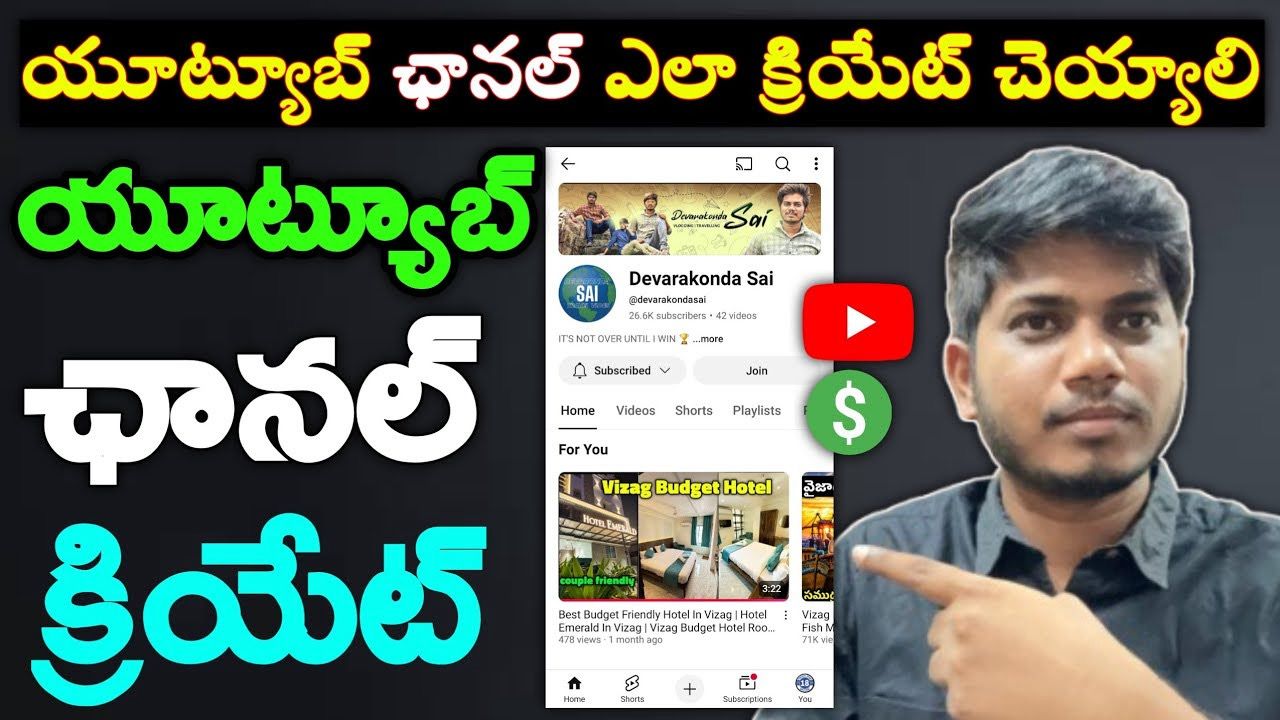
📌 Step 2: Create Your Channel
1. Click on your Profile Icon (top right corner).
2. Select Create a Channel.
3. Enter your Channel Name (Example: “Sai Vlogs”, “Tech Telugu Office”).
4. Upload a Profile Picture.
5. Click Create Channel. ✅
⸻
📌 Step 3: Customize Your Channel
• Go to YouTube Studio → Customization.
• Add:
• Banner Image (Channel Cover Photo).
• About Section → Write what your channel is about.
• Links (Instagram, Website, etc. if you want).
⸻
📌 Step 4: Upload Your First Video
1. Click on the Camera + icon (Create) → Upload Video.
2. Add:
• Title (catchy and clear).
• Description (explain video in detail).
• Tags/Keywords (to help people find your video).
• Thumbnail (attractive image).
3. Choose Audience (Is this video for kids or not?).
4. Click Publish. 🎉
⸻
📌 Step 5: Basic Settings for Growth
• Go to YouTube Studio → Settings.
• Under Channel → Basic Info → Add Keywords (related to your content).
• Under Upload Defaults → Set your common Title style, Description, and Tags.
• Enable Monetization (later when eligible).
⸻
📌 Step 6: Tips for Success
• Upload Consistently (2–3 videos weekly if possible).
• Make Attractive Thumbnails.
• Use Short Titles + Keywords.
• Share videos on WhatsApp, Facebook, Instagram.
• Focus on one topic/niche (Tech, Travel, Cooking, Education, etc.).
please watch this video